
Field reports · live systems only
The work was manual.
Here's what happened next.
Every use case below is a production system that replaced a manual engineering workflow: configurators, drawing automation, CAD add-ins, BIM tooling. You get the situation before, the constraint that made it hard, what we built, and what the numbers did after go-live.
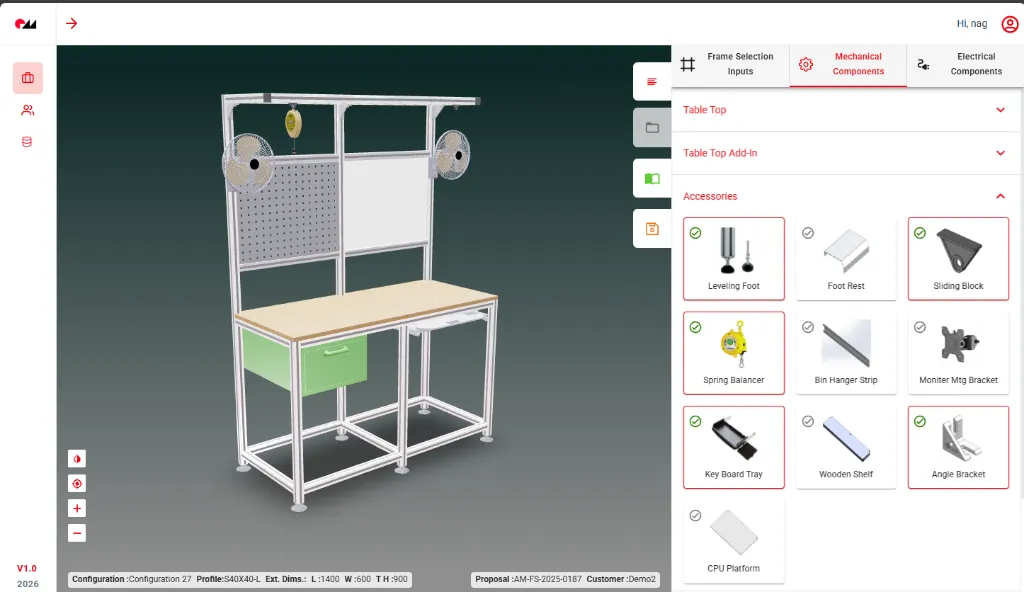
3D Workstation Configuration Platform
A sales pick-list now drives the SolidWorks model, drawings, and BOM for every workstation variant; no engineer touches the order.
View case study →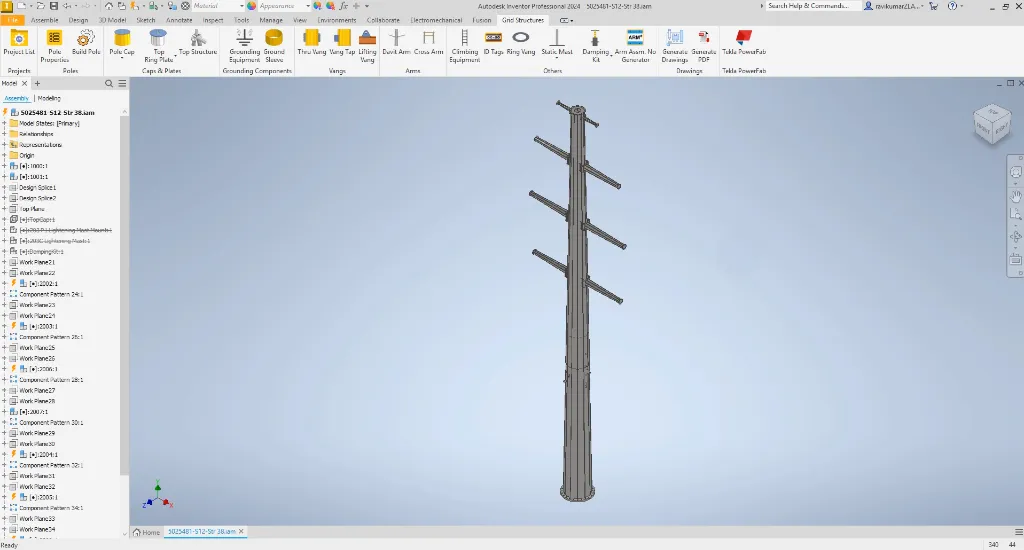
Automated Utility Structure Design
Utility structures that took two weeks to model and detail now ship in 2–3 days: Inventor model through Tekla PowerFab fabrication package.
View case study →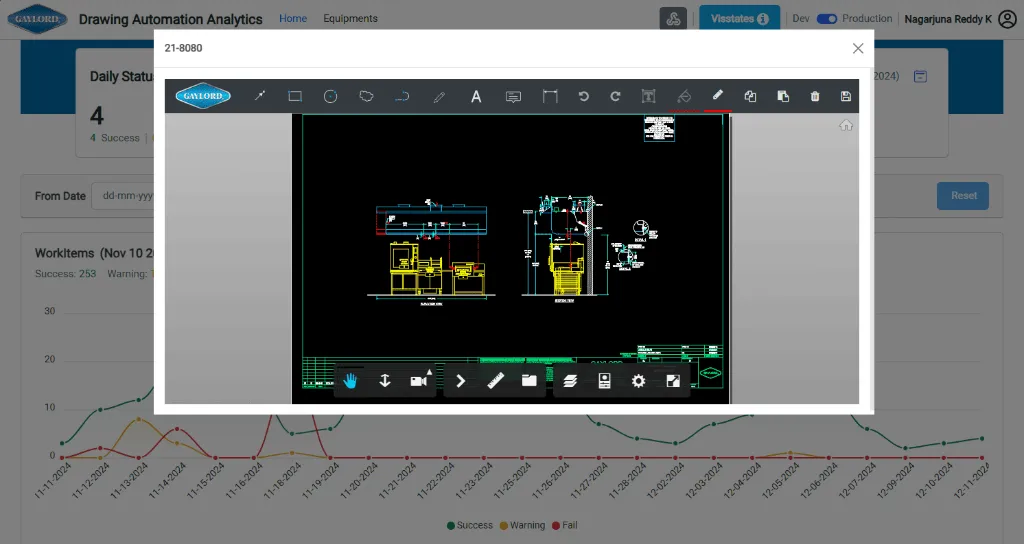
Commercial Kitchen Variant Drawings
Gaylord's kitchen drawing packages went from 3–5 days to under 4 hours, and peak season stopped meaning temp drafters.
View case study →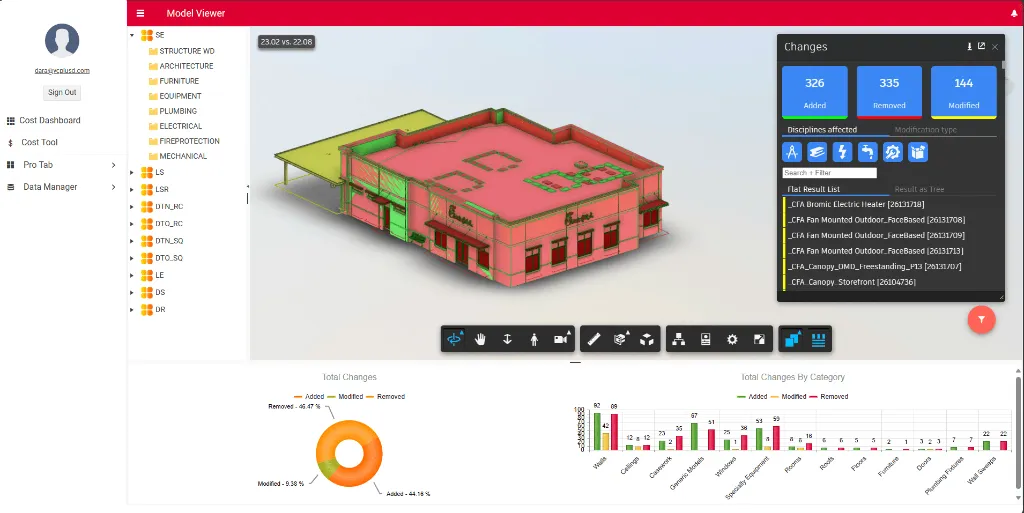
BIM Model Change Intelligence
Every difference between two Revit versions caught, visualized, and reported before it surprises anyone downstream.
View case study →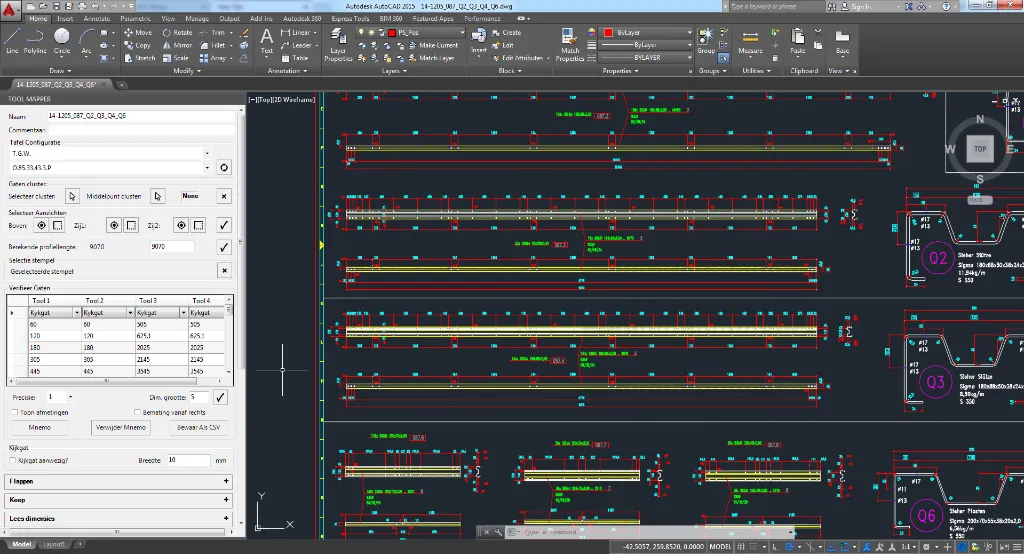
Steel Profile Tool Mapping
Mapping punch tools to a steel profile took 45 minutes of expert reading. The add-in does it in under 5, machine-ready output included.
View case study →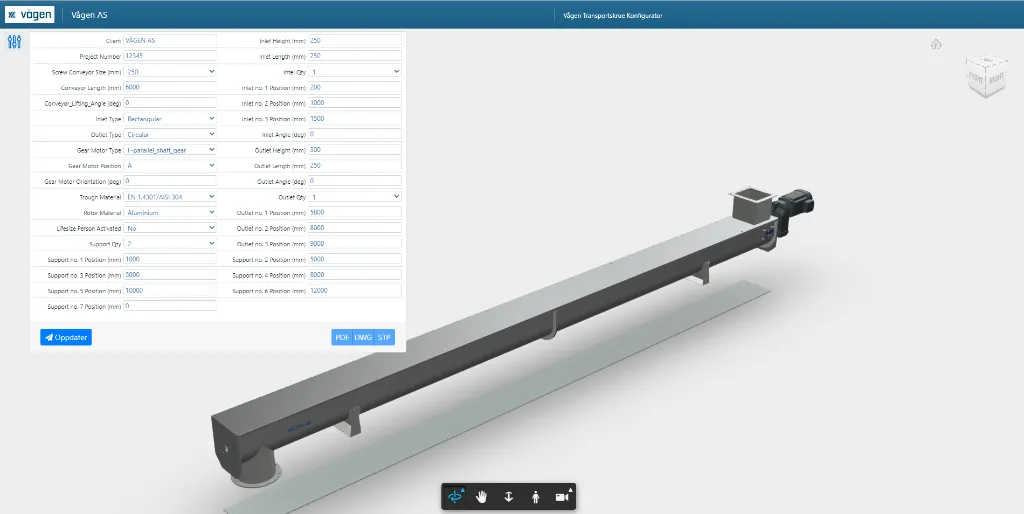
Web-Based Conveyor Configurator
Vagen's customers configure their own conveyor online and download the 3D model minutes later. Quotes that took 4–6 hours now take under 10 minutes.
View case study →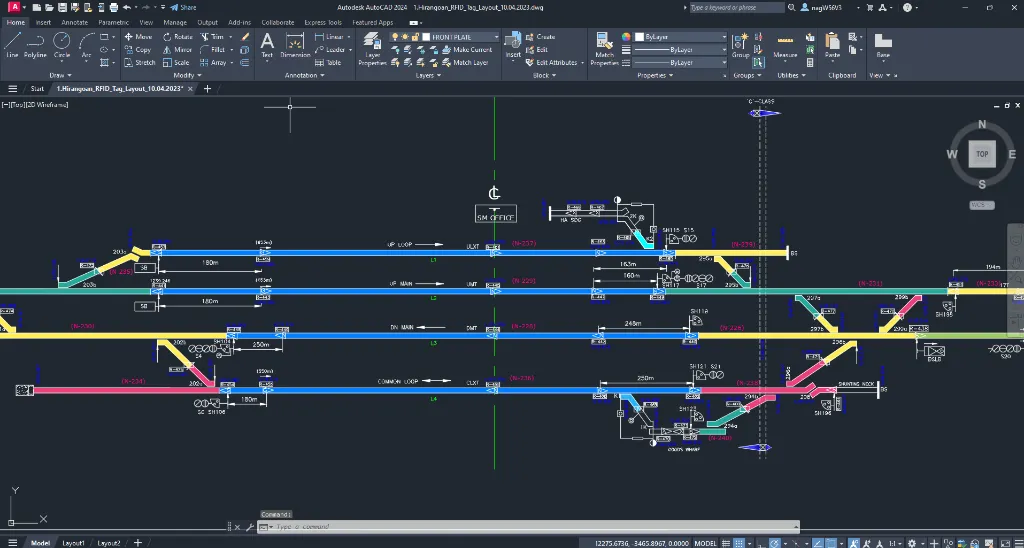
Automated Railway Signaling
Signaling layouts once drafted over 3–5 days generate in 2–4 hours from structured inputs, checked against the rules on every run.
View case study →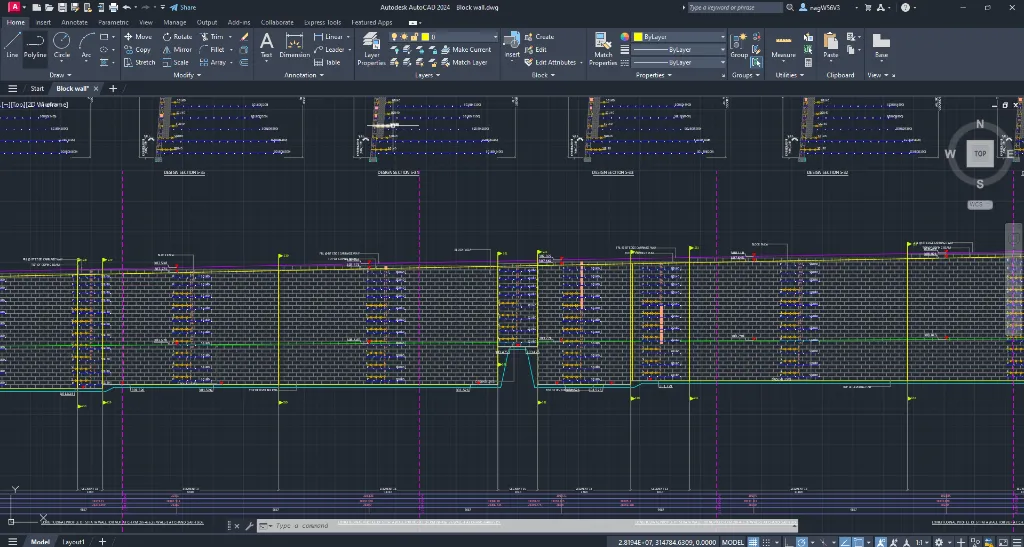
Retaining Wall & Excavation Docs
One input set produces the wall drawings, excavation plan, and BOQ for a whole project, with identical standards on every site.
View case study →




"FDES allowed us to meet our goals in time and on budget. They always put in the extra efforts to deliver a great result. Highly recommended."
No gloss
How to Read These Cases
Every case follows the same spine: the workflow as it was, the constraint that made it hard, the architecture we chose, and what changed in production. The numbers are the ones the client measured. Where one is missing, we didn't have it, so we didn't invent it.
Your queue could be next
One of These Look Familiar?
Describe the workflow that eats your team's week. We'll tell you which parts automate cleanly, which don't, and what a pilot would take, before you commit to anything.